Barred L
A breathy L, said with air but no voice. Hold Shift for the capital Ł.
Key P

Dene language computer keyboard
A computer keyboard made for typing Dene. FN Keys develops, manufactures and sells it, and the company is 100% Indigenous owned and operated.
The FN Keys Dene keyboard was made specially for English River First Nation, using the way Dene is written there. It was developed in collaboration with Elder Carol Estralshenen and Common Weal Community Arts.
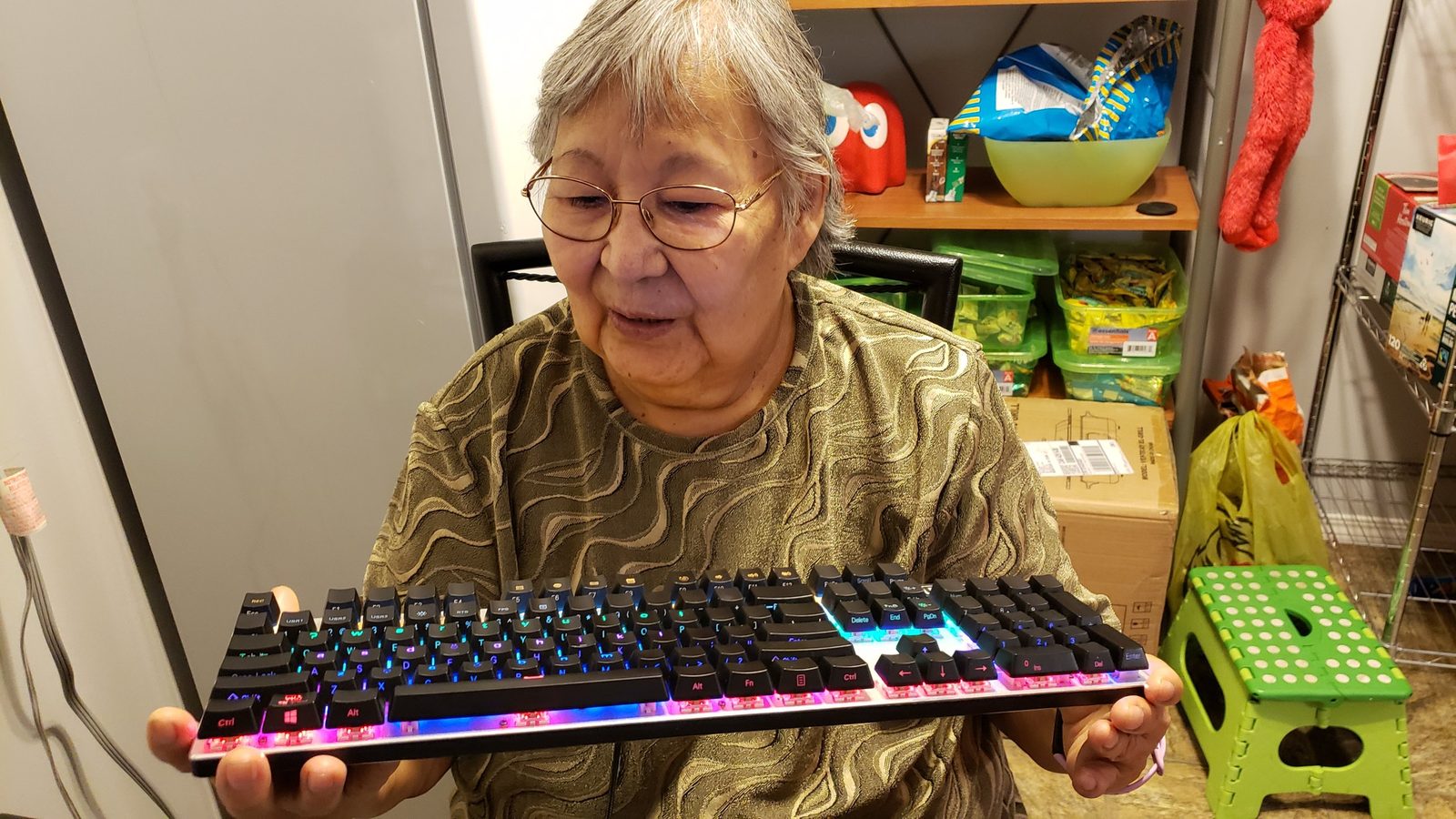
Every Dene sound the English alphabet does not cover has its own key.
A breathy L, said with air but no voice. Hold Shift for the capital Ł.
Key P
A tiny catch in the throat, like the pause in uh-oh.
Key Q
A small hook under a vowel means the sound also passes through the nose. Type the vowel, then press the key.
Key X
An accent over a vowel marks a high tone. Type the vowel, then press the key.
Key V
Some Dene writing systems use two dots for a distinct vowel sound. Type the vowel, then press the key.
Key F
A sharp, popped consonant is written with an apostrophe after it. Type the consonant, then press the apostrophe key.
Key ՚
Type on your keyboard or tap the keys below to see which character each key types. This demo only works on this page.
Two typing modes on the same keys. Switch in a second with Win + Space.
The Dene letters are on the top of each key, and the English letters are printed on the front edge of the key, facing you. You can write in Dene and English in the same document without changing keyboards.
On Windows, hold the Windows key and tap the space bar to move to the next mode. The current mode shows in the taskbar.
Dene languages are spoken across a large part of northern Canada. A keyboard made for them puts the characters on the keys. You press the key and the character appears.
Dene communities write their languages in different ways. If you are not sure which layout fits your community, email [email protected] before you order and we will help you choose.
No reviews yet. Have one of our keyboards? Be the first to share how it works for you.
Sign in to your FN Keys account to write one. Every review is read before it appears.