
Plains Cree language computer keyboard · nêhiyawêwin
ᓀᐦᐃᔭᐍᐏᐣ
Plains Cree keyboard
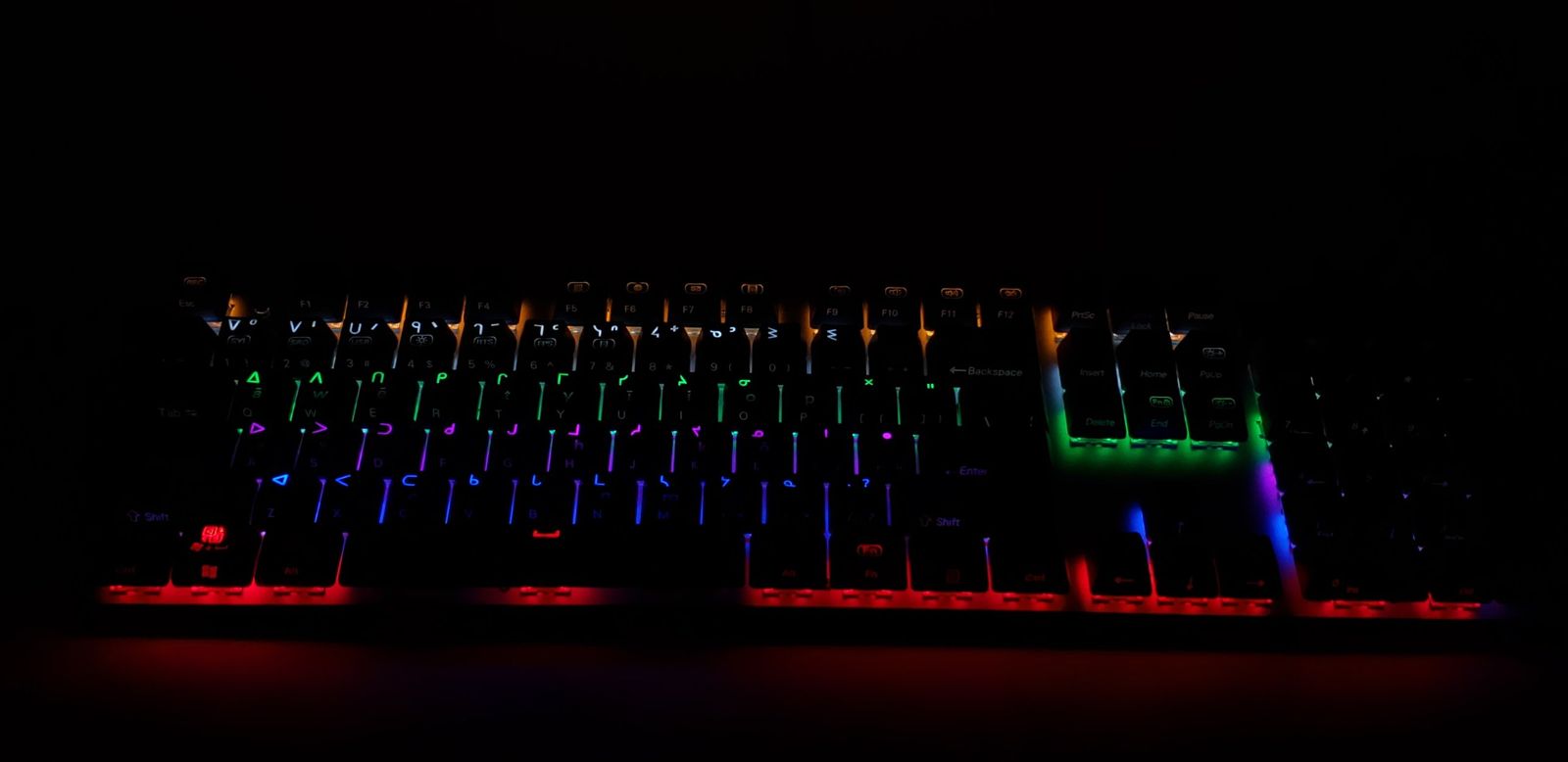
A computer keyboard made for typing Plains Cree. FN Keys develops, manufactures and sells it, and the company is 100% Indigenous owned and operated.
Try the Plains Cree layout
Type on your keyboard or tap the keys below to see which character each key types. This demo only works on this page.
The keyboard layouts shown here are © FN Keys Ltd. All rights reserved.
Three keyboards in one
Three typing modes on the same keys. Switch in a second with Win + Space.
How the modes work
Syllabics are on the top half of each key, the matching Roman letters (SRO) on the bottom half, and the English letters are printed on the front edge of the key, facing you. You can write in Plains Cree and English in the same document without changing keyboards.
- 1SyllabicsCree syllabics, on the top half of each key
- 2Roman letters (SRO)Standard Roman Orthography with â ê î ô, on the bottom half of each key
- 3EnglishA regular English keyboard, printed on the front edge of each key
On Windows, hold the Windows key and tap the space bar to move to the next mode. The current mode shows in the taskbar.
Made for typing Plains Cree
Plains Cree, nêhiyawêwin, is spoken across the Canadian Prairies. A keyboard made for it puts the characters on the keys. You press the key and the character appears.
About this keyboard
Keyboard details
- Developed, manufactured and sold by FN Keys
- 100% Indigenous owned and operated
- FN Keys has been selling language keyboards since 2019
- Three typing modes in one keyboard: syllabics, Roman letters (SRO) and English
- Switch modes with Win + Space
- Backlit keys
Questions about the layout, or about whether it suits your community? Email [email protected] before you order.
Customer reviews
No reviews yet. Have one of our keyboards? Be the first to share how it works for you.
Sign in to your FN Keys account to write one. Every review is read before it appears.